
落日歸山海,與你話清風。

368 words
2 minutes
CVE-2017-13028: TCPdump

CVE-2017-13028
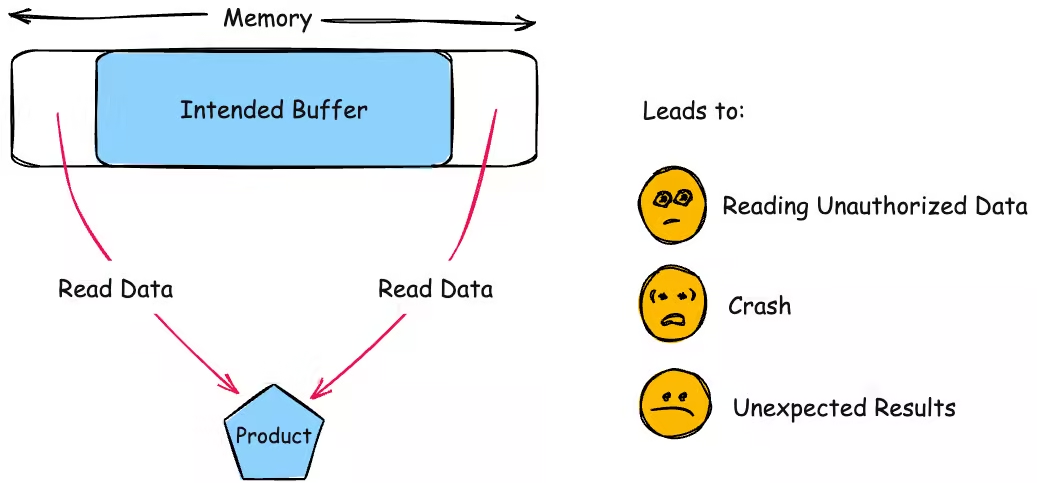
Description
Compile
Download
git clone https://github.com/the-tcpdump-group/tcpdump.git && cd tcpdumpgit checkout tcpdump-4.9.2阅读 README 我们可知,要编译 TCPdump 需要先编译 libpcap 。由于 TCPdump-4.9.2 的最后一次提交是九年前的,因此对应的最匹配的 libpcap 应该是十年前的 1.8.1 版本。
git clone https://github.com/the-tcpdump-group/libpcap.git && cd libpcapgit checkout libpcap-1.8.1Build
CC=clang CXX=clang++ CFLAGS="-O0 -g -fno-inline -fno-builtin -fno-omit-frame-pointer" CXXFLAGS="$CFLAGS" ./configure --enable-shared=no --prefix="$(realpath ../workshop/libpcap-debug)" --disable-bluetooth --disable-dbusmake -j`nproc` && make installmake clean
CC=afl-clang-lto CXX=afl-clang-lto++ ./configure --enable-shared=no --prefix="$(realpath ../workshop/libpcap-fuzz)" --disable-bluetooth --disable-dbusmake -j`nproc` && make install
接下来编译 tcpdump,遇到如下报错:
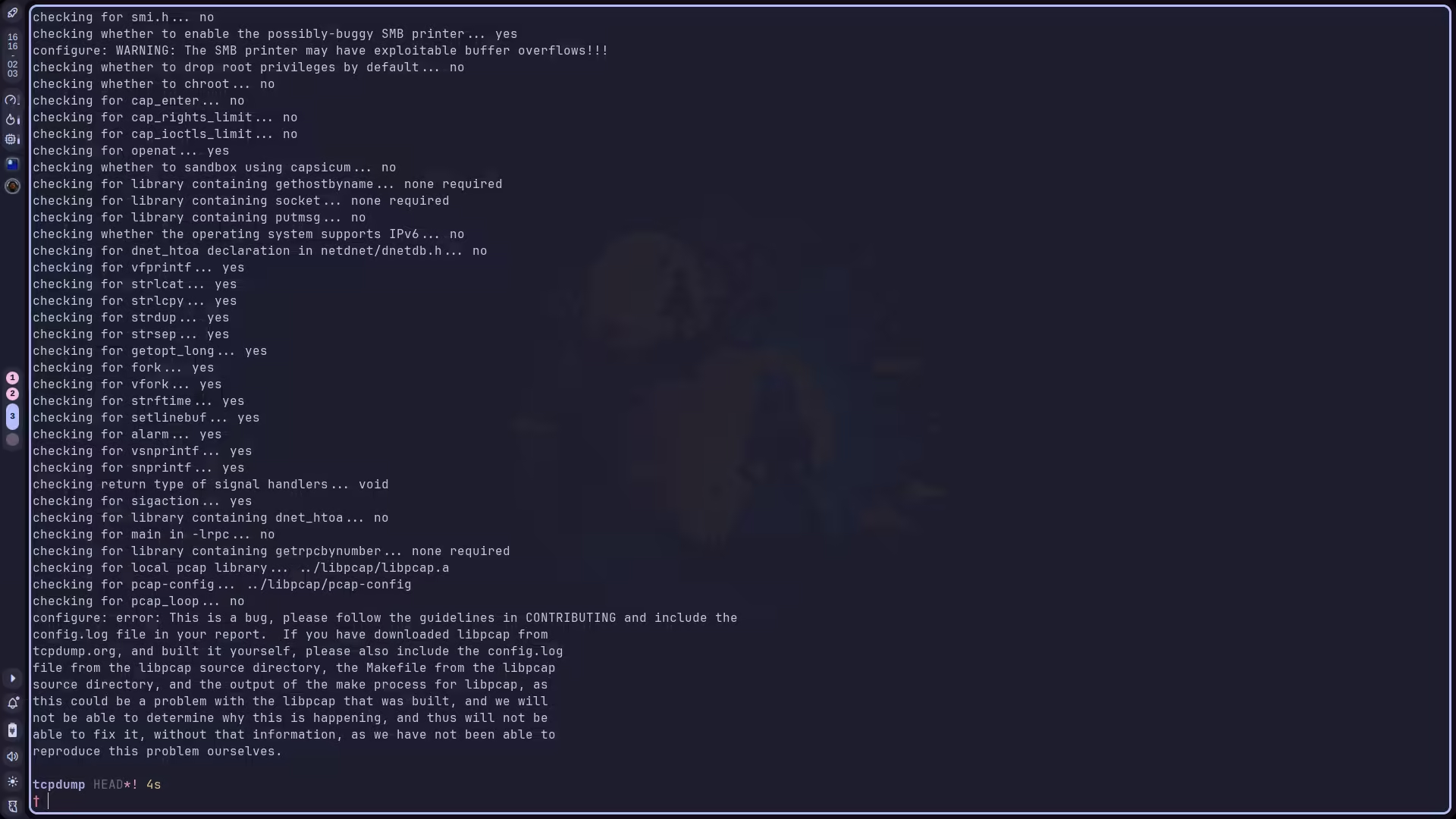
原因是它忽略了我们传入的 LDFLAGS 和 CPPFLAGS,强制要求 libpcap 的目录和 tcpdump 在同级,且名字固定为 libpcap 。解决方法是使用 --with-system-libpcap 参数。虽然我们的 libpcap 是安装到自定义路径,而非系统级安装的,但是用了这个参数后,如果系统目录下没找到 libpcap,它就会去我们传入的环境变量里找。
然后又遇到了新的问题:
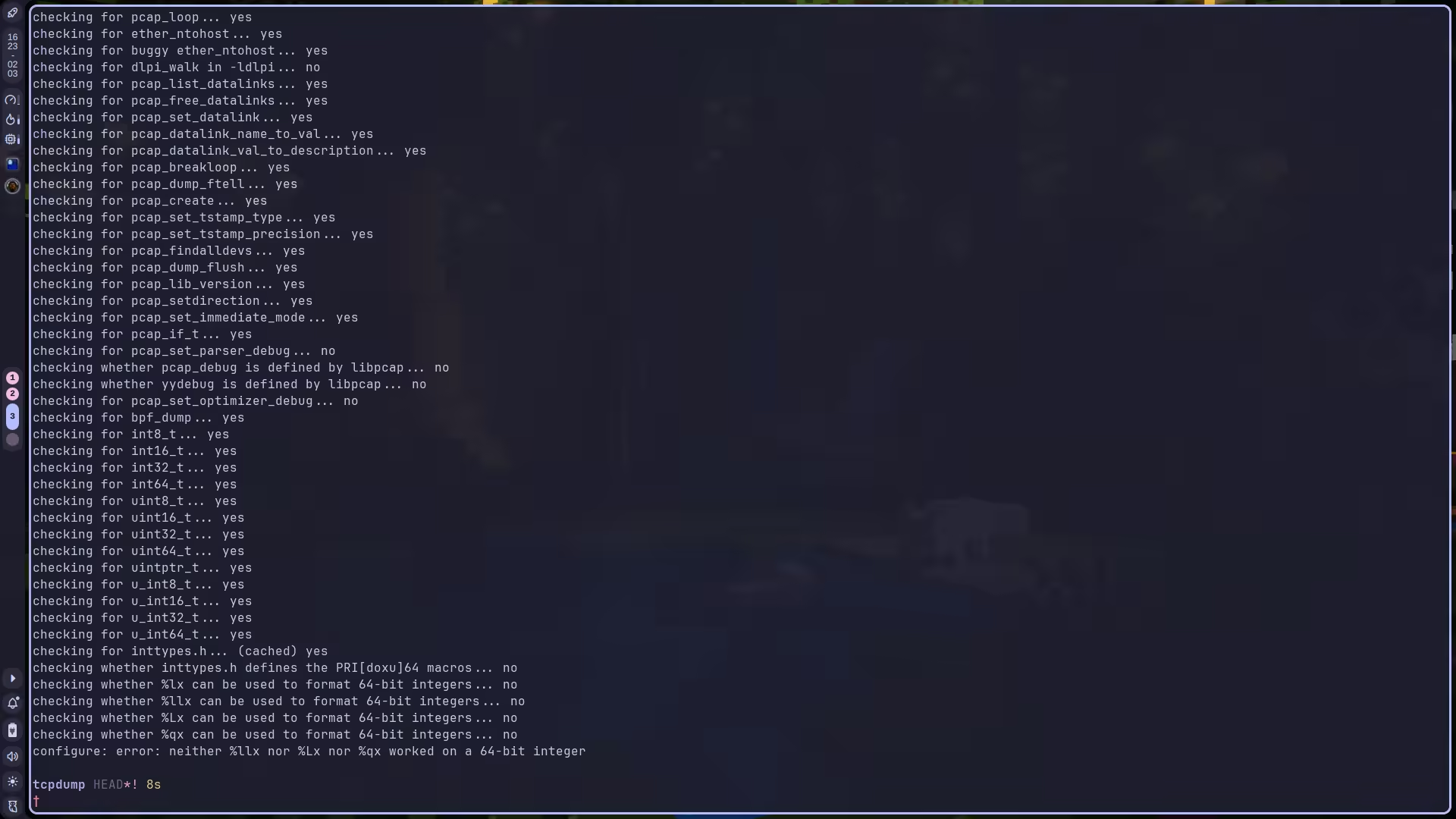
我们可以通过 config.log 查看详细报错信息:
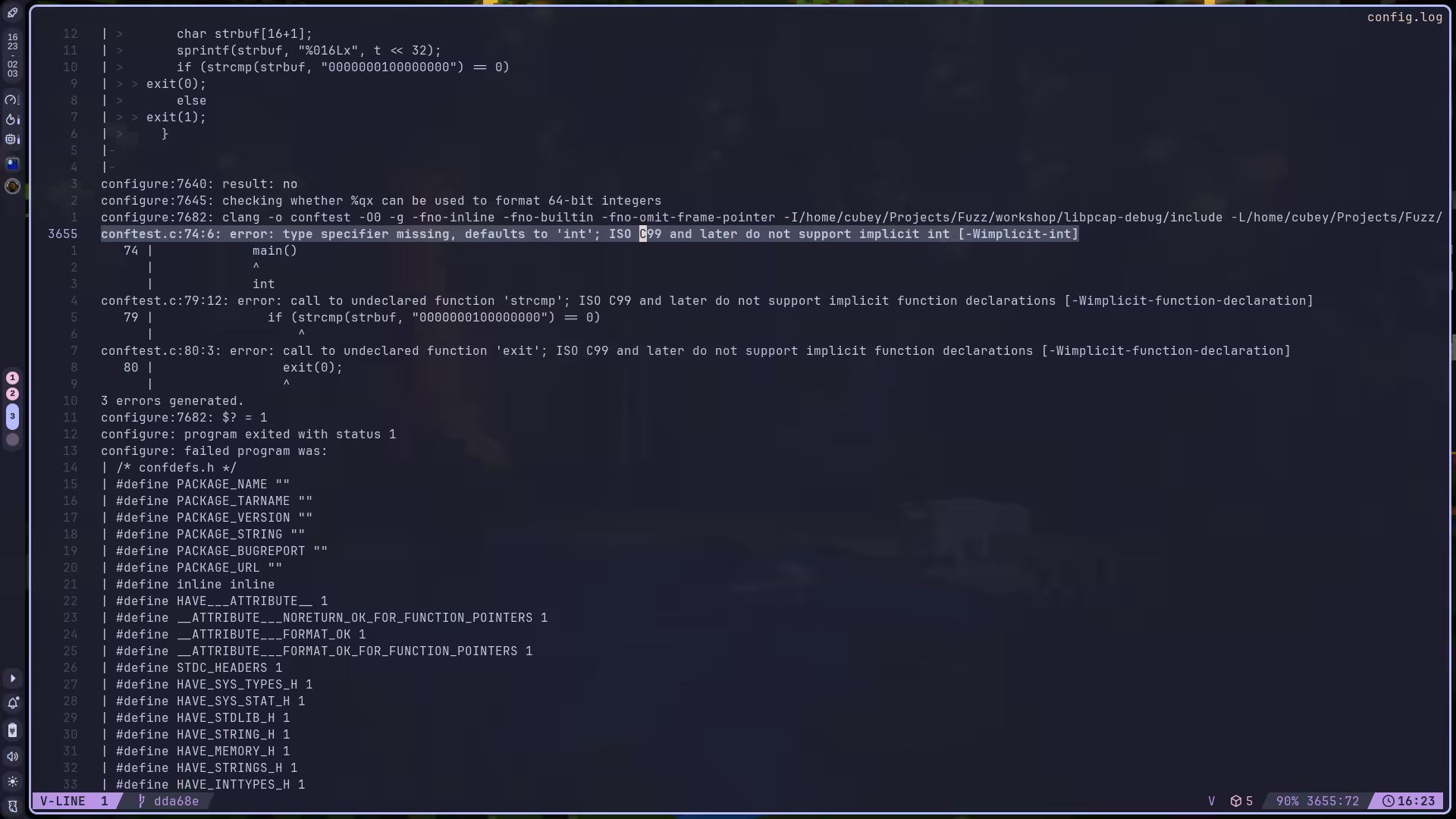
可见报错原因是 ISO C99 之后不再支持隐式声明导致的。解决方法是通过 -Wno-error=implicit-int 告诉编译器将 implicit-int 的错误当成 warning 处理,而非 error 。
现在 configure 阶段是通过了,make 一下,又是一堆报错:
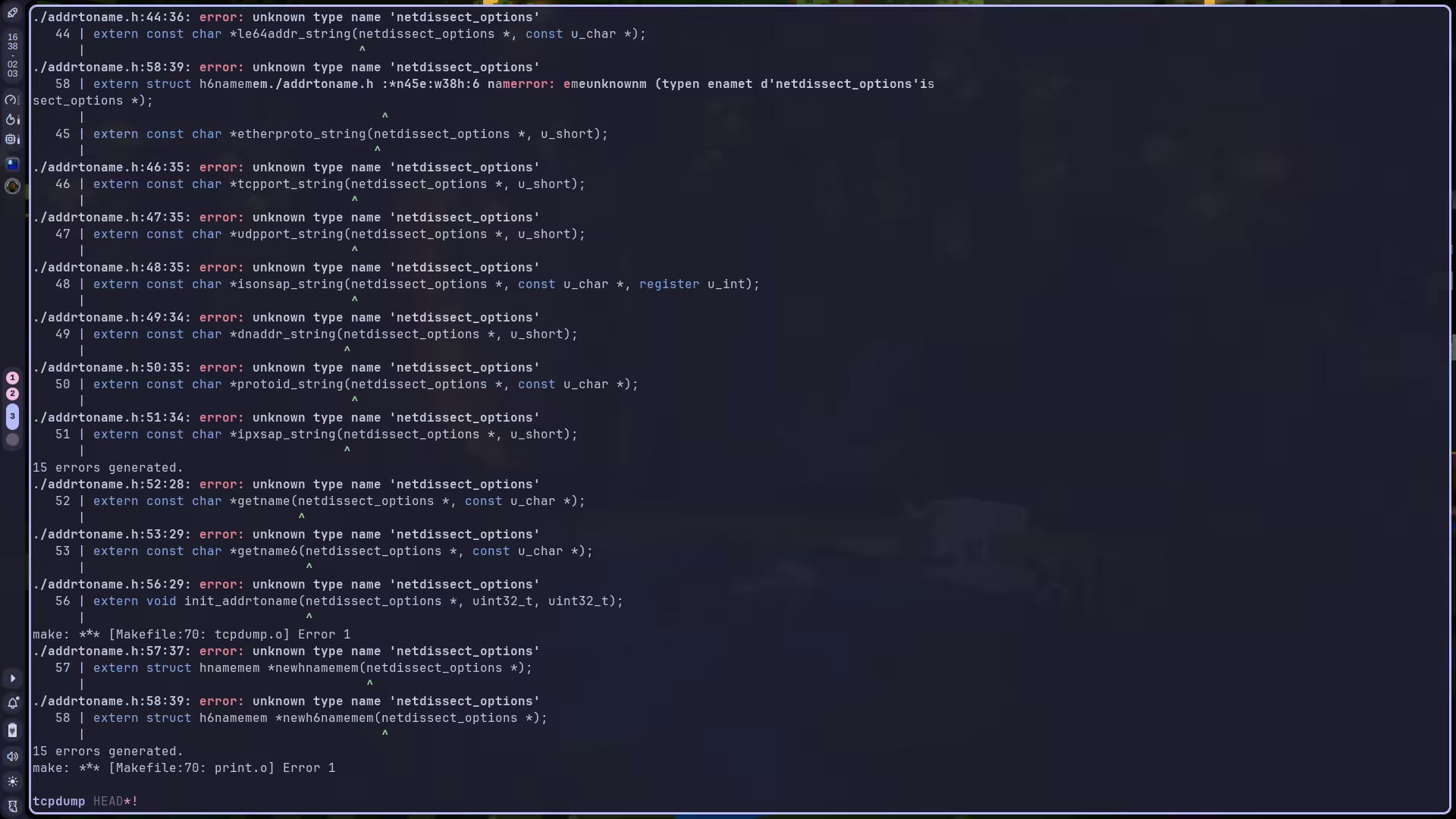
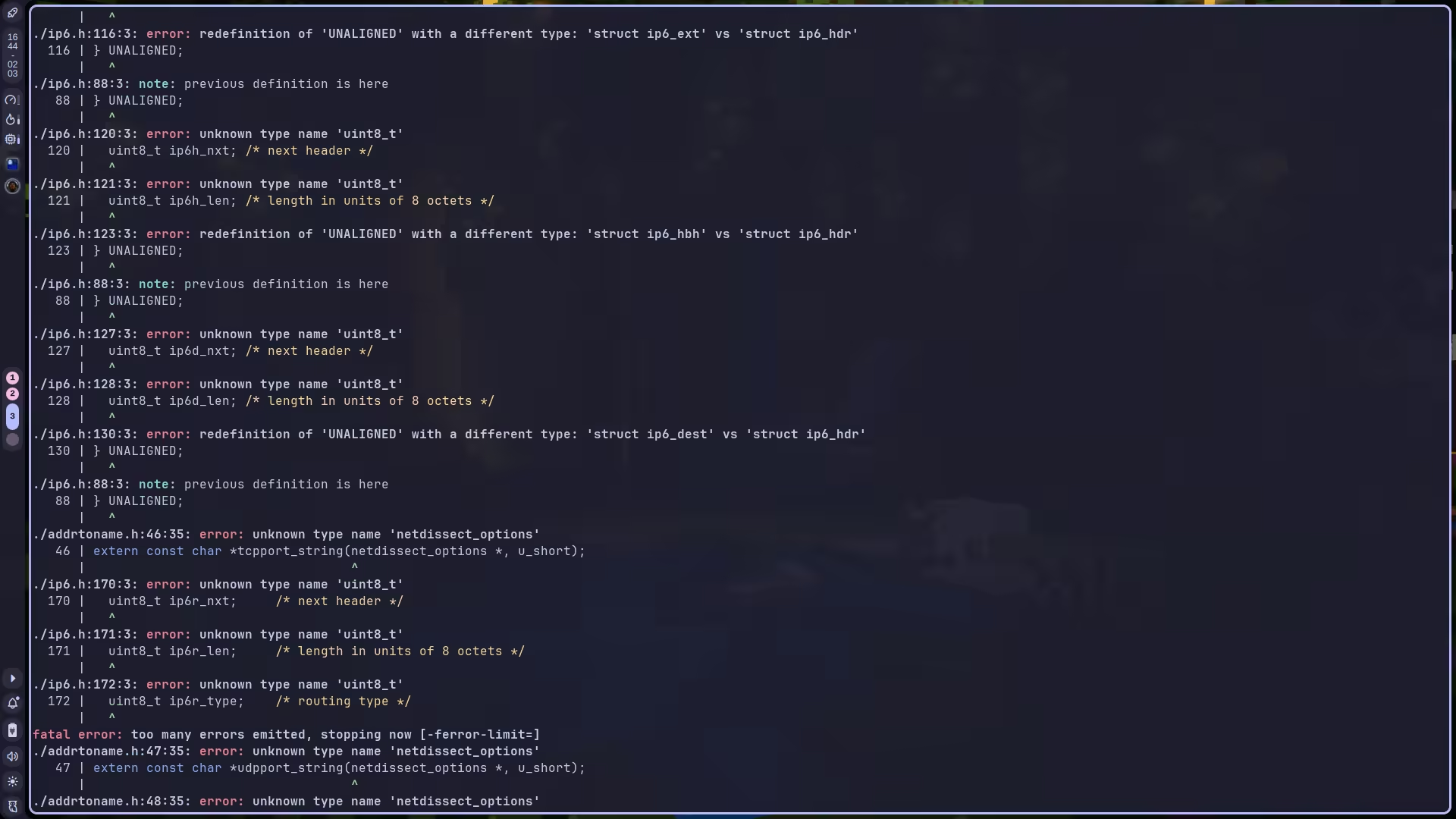
大概翻了一下,发现主要是这些错误:
- incomplete element type ‘const struct tok’
- …
CC=clang \CXX=clang++ \CFLAGS="-O0 -g -fno-inline -fno-builtin -fno-omit-frame-pointer \ -Wno-error=implicit-int" \CXXFLAGS="$CFLAGS" \LDFLAGS="-L$(realpath ../workshop/libpcap-debug/lib)" \CPPFLAGS="-I$(realpath ../workshop/libpcap-debug/include)" \./configure \ --prefix="$(realpath ../workshop/tcpdump-debug)" \ --with-system-libpcapmake -j`nproc` && make installmake cleanSamples
TODO
Fuzzing
TODO
CVE-2017-13028: TCPdump
https://cubeyond.net/posts/fuzz/tcpdump-cve-2017-13028/